
Your records, in relationship
Keep the pieces of your life together.
Notes, tasks, recipes, receipts, readings, books, photos, and more—organized in one private place, and more useful because they can connect.
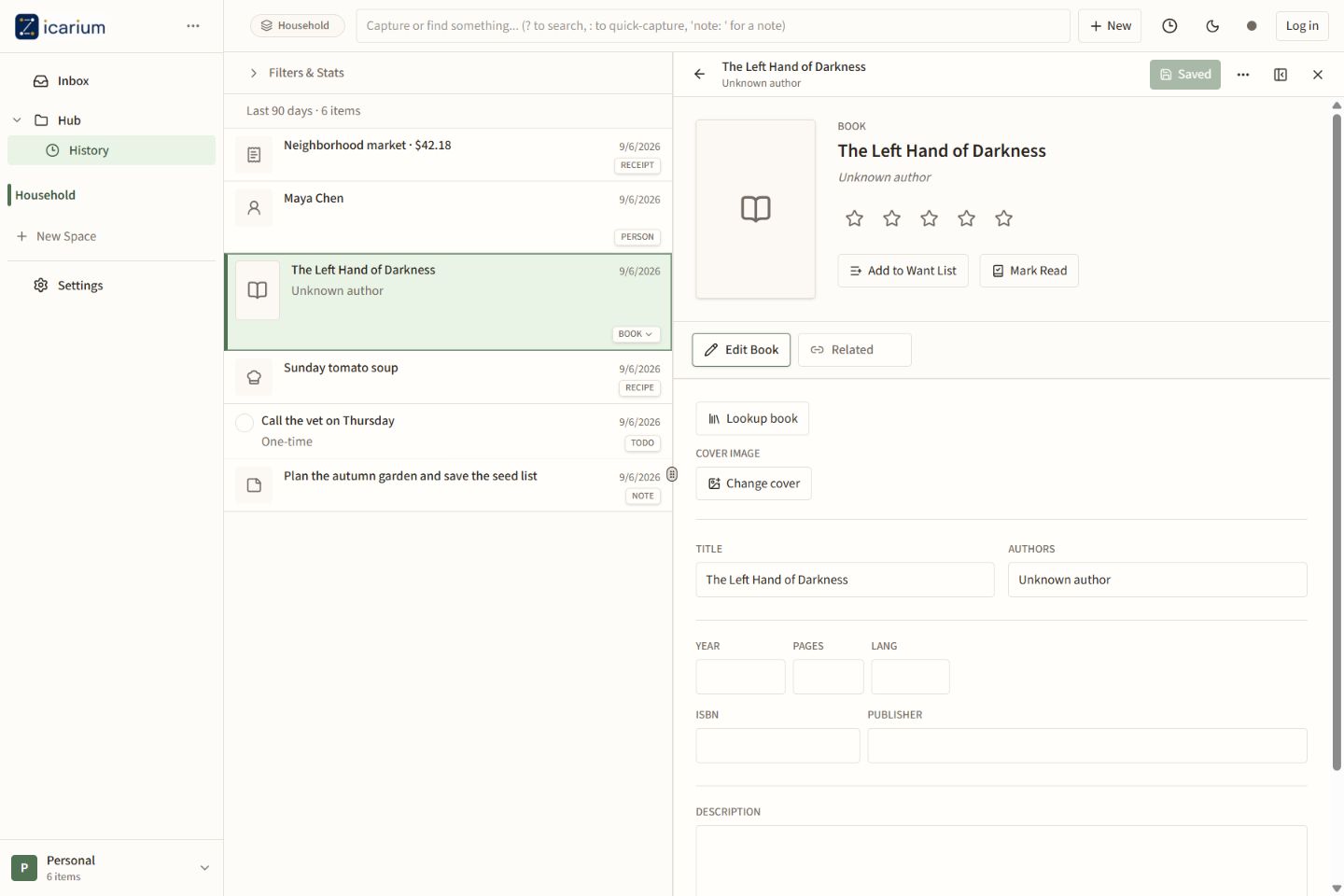
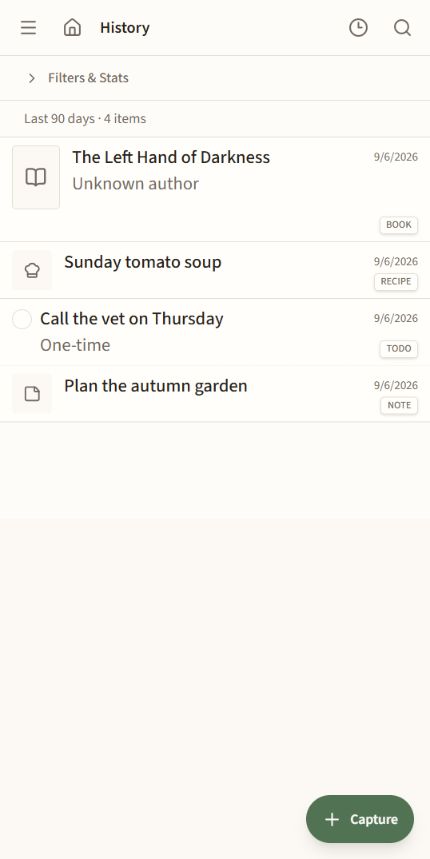
Ideas and reference
Food and memories
Health over time
Purchases in context
One place, many kinds of record
Your life does not fit into separate apps.
A recipe can relate to a meal, a receipt to a purchase, a reading to a person, and a note to any of them. Zicarium keeps the structure of each record without isolating it.
Typed, not trapped
Each record gets tools suited to what it is, while remaining searchable with everything else.
Organized your way
Spaces, folders, and saved views shape the collection without deciding what deserves your attention.
Connections that accumulate
Explicit relationships turn separate entries into a record that grows more useful over time.
Private first. Connected by design. Shared only by choice.
No algorithmic feed. No need to perform for an audience.
A durable local core
Your records remain yours.
You can use Zicarium without an account. Creating, viewing, editing, importing, and exporting locally are free by design. An account adds hosted synchronization and the assistant Datacea provides; it does not become the key to your own records.
Local-only when you want it
Begin without an account and keep the records you create on your device.
Sync when it helps
Sign in when you want Datacea to synchronize and back up records across supported devices.
An exit you control
Import and export belong to the free local application, not to a subscription.
Zeke, the optional assistant
Work with what you have kept.
Zeke can help capture, find, and work with records through conversation. Use the assistant Datacea provides with an account, or configure a compatible provider with your own API key. You can also leave the assistant switched off.
How Zeke worksStart with the web app.
No installation is required. A Windows test build is available, and the Android app is in an invitation-only test.